Introduction
Traveling by air with a fully equipped smartphone rig requires careful preparation and knowledge of security regulations. This guide explains the essential steps for complying with Transportation Security Administration (TSA) rules while keeping devices powered throughout the journey. Readers will learn how to pack smartphones, accessories, and power banks safely, and they will receive expert recommendations for reliable battery solutions. By the end of the article, one will be able to travel confidently without unexpected power interruptions.
Background and Context
The modern traveler relies on multiple electronic devices for navigation, communication, and entertainment. Lithium‑ion batteries, which power most smartphones and portable chargers, are subject to strict airline policies because of fire risk. Understanding the difference between carry‑on and checked baggage allowances is the foundation for a smooth security screening. This section provides the regulatory framework that informs every subsequent packing decision.
Understanding TSA Regulations for Batteries
The TSA permits batteries with a capacity of up to 100 Wh (watt‑hours) in carry‑on luggage without special approval. Most consumer power banks fall well below this threshold, including the Anker PowerCore 10K Power Bank, which offers 10,000 mAh (approximately 37 Wh). Batteries exceeding 100 Wh require airline authorization and must be carried in the cabin, never in checked baggage. Devices that contain spare lithium cells, such as external batteries, must be protected from short circuits by keeping terminals covered.
Key points to remember:
- All power banks must be placed in carry‑on luggage.
- Capacity must not exceed 100 Wh without airline approval.
- Spare batteries should be insulated with original packaging or tape.
- Large battery packs (over 160 Wh) are prohibited on passenger aircraft.
Packing Strategies for Smartphone Rigs
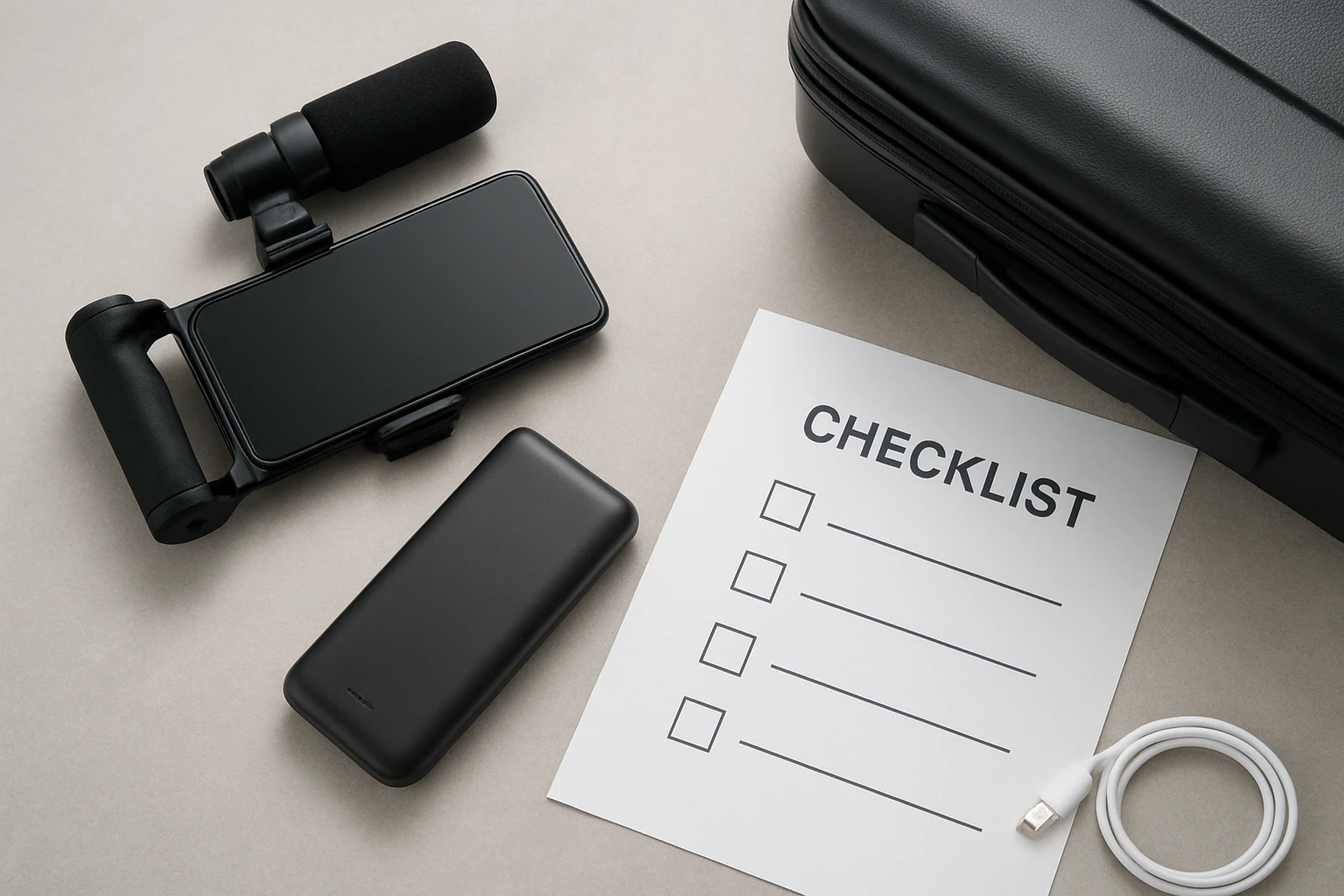
A smartphone rig typically consists of the phone itself, a protective case, headphones, cables, and a power bank. Organizing these items in a dedicated electronics pouch prevents damage and speeds up the security process. Choose a pouch made of clear, flexible material so that TSA agents can quickly inspect its contents without opening the bag.
When arranging the rig, place the power bank in a separate compartment from the phone to avoid accidental activation. Use cable organizers to keep USB‑C and Lightning cords untangled, and label each cable for rapid identification. Finally, keep the pouch near the top of the carry‑on so that it can be presented at the checkpoint without rummaging through other belongings.
Choosing a Reliable Power Bank
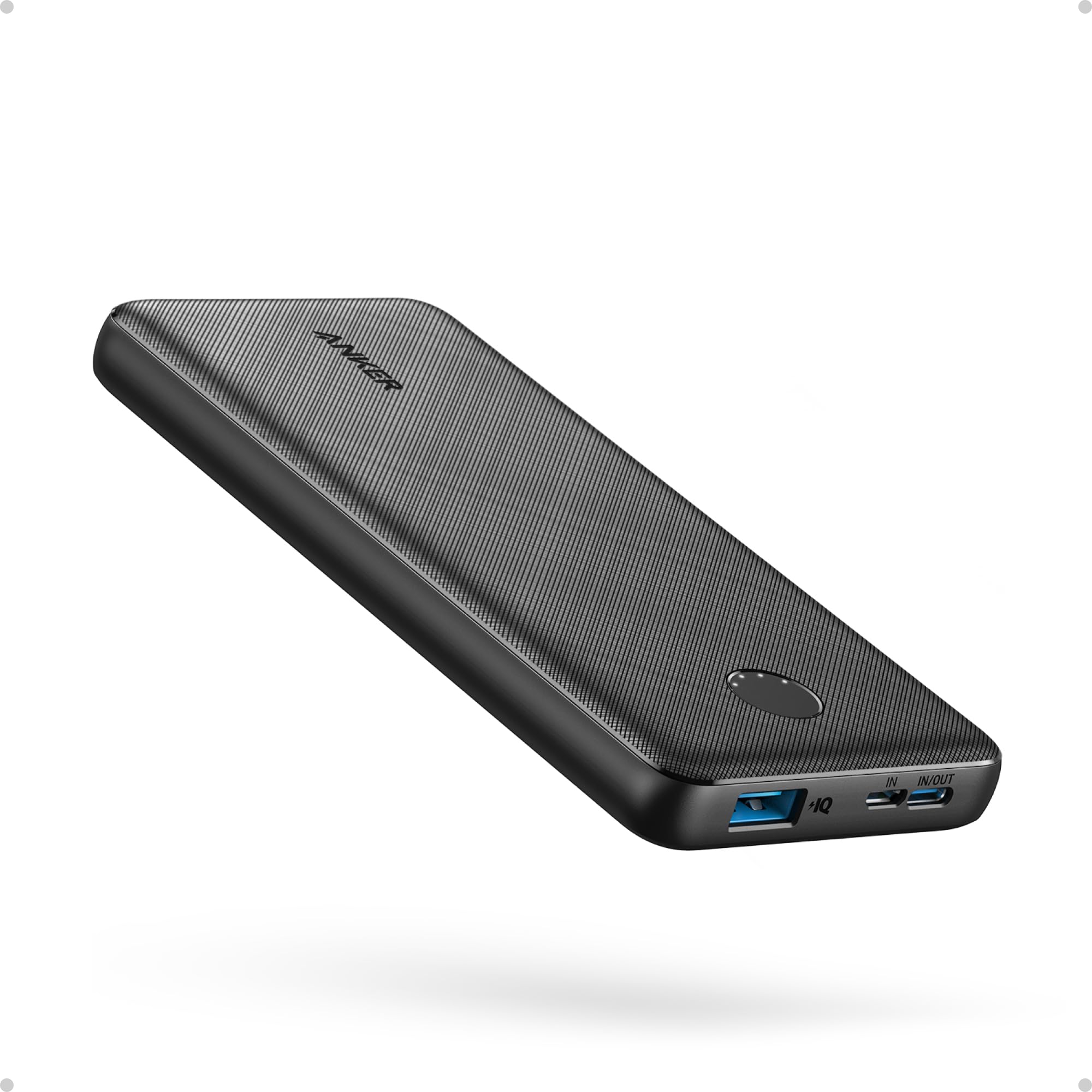
Not all power banks are created equal; selecting a model that balances size, capacity, and durability is essential for air travel. The Anker PowerCore 10K Power Bank stands out because it combines a slim profile with robust charging technology. Its 10,000 mAh capacity provides roughly two full charges for an iPhone 15, making it ideal for long flights.
Key specifications of the Anker PowerCore 10K include:
- Capacity: 10,000 mAh (≈37 Wh)
- Dimensions: 5.99 × 2.81 × 0.61 inches
- Weight: 8.6 oz
- Output: 5 V/3 A via USB‑C (PowerIQ fast‑charging)
- Two‑Way USB‑C port for input and output
- Drop‑test certified to 3.2 ft, ensuring durability
- Rating: 4.5/5 from 6,632 reviews
These attributes satisfy TSA size and weight limits while delivering high‑speed charging for both smartphones and tablets. The included USB‑C to USB‑C cable simplifies connections, and the 18‑month warranty provides peace of mind for frequent travelers.
Comparison and Selection Guide
When evaluating power banks for air travel, consider three primary criteria: capacity, form factor, and safety certifications. The table below compares the Anker PowerCore 10K with two generic alternatives that are commonly found on the market.
| Feature | Anker PowerCore 10K | Generic 12,000 mAh | Generic 20,000 mAh |
|---|---|---|---|
| Capacity (Wh) | ≈37 Wh | ≈44 Wh | ≈74 Wh |
| Dimensions (in) | 5.99 × 2.81 × 0.61 | 6.5 × 3.0 × 0.8 | 7.2 × 3.5 × 0.9 |
| Weight (oz) | 8.6 | 10.2 | 15.4 |
| Fast‑Charging Support | PowerIQ 5 V/3 A | 5 V/2 A | 5 V/2 A |
| Drop Test Rating | 3.2 ft | 2.5 ft | 2.5 ft |
| Average Rating | 4.5/5 | 4.0/5 | 3.8/5 |
For most travelers, the Anker PowerCore 10K offers the optimal balance of portability and power. The 12,000 mAh model provides slightly more capacity but adds bulk, while the 20,000 mAh option exceeds the 100 Wh limit for many airlines and may require special approval.
Best Practices & Tips
Beyond product selection, adhering to best practices ensures a hassle‑free experience at the airport. Follow these actionable steps:
- Charge the power bank to at least 80 % before departure; a partially charged battery is less likely to trigger safety alarms.
- Carry the power bank in a dedicated pocket of the carry‑on, not in an outer sleeve where it could be compressed.
- Label the power bank with its capacity (e.g., "10,000 mAh") to facilitate quick verification by security personnel.
- Turn off any fast‑charging features while the device is idle during the flight to conserve energy.
- Keep a short USB‑C cable within reach; the Anker PowerCore 10K includes a 1‑meter cable, which is sufficient for most seat‑back power outlets.
Implementing these measures reduces the likelihood of delays and protects both the battery and the device from accidental damage.
Frequently Asked Questions
- Can I bring a power bank in my checked luggage?
- No. All portable power banks must be placed in carry‑on baggage according to TSA regulations.
- What is the maximum capacity allowed without airline approval?
- The limit is 100 Wh, which corresponds to roughly 27,000 mAh for a typical 3.7 V lithium‑ion cell.
- Do I need to declare my power bank at security?
- Only if the power bank exceeds 100 Wh; otherwise, it can be placed in the bin with other electronics.
- Is the Anker PowerCore 10K compatible with both iPhone and Android devices?
- Yes. The USB‑C PowerIQ technology delivers up to 5 V/3 A, which fast‑charges most modern smartphones and tablets.
- How many charges can the Anker PowerCore 10K provide for an iPad?
- Approximately 1.23 full charges for an iPad mini 6, based on the manufacturer’s specifications.
- What should I do if my power bank is rejected at the gate?
- Present the product’s specifications, show that it is under 100 Wh, and request a supervisor if necessary.
Conclusion
Traveling with a fully powered smartphone rig is achievable when one respects TSA battery rules, selects an appropriate power bank, and packs methodically. The Anker PowerCore 10K Power Bank exemplifies a device that meets regulatory limits while delivering high‑speed charging in a compact form factor. By following the checklist, comparison guidance, and best‑practice tips outlined in this guide, travelers can avoid common pitfalls and remain connected throughout their flight.
Products Featured in This Guide
Anker PowerCore 10K Power Bank
Price: $25.99
Rating: 4.5/5 (6,632 reviews)
Why it is featured: It provides a slim, lightweight 10,000 mAh capacity that complies with TSA limits, offers fast USB‑C charging, and includes durability certifications, making it an ideal travel companion for smartphone rigs.