How to Rent a Smartphone Gimbal and Lighting Kit Near Me: The Complete Guide to Finding, Booking, and Saving
Introduction
The demand for high‑quality mobile video content has grown dramatically in recent years. Creators, marketers, and event organizers often require professional‑grade stabilization and illumination without purchasing expensive equipment outright. This guide explains how to locate reliable rental services, evaluate the most suitable gear, and secure the best possible rates. Readers will learn about essential concepts, discover recommended products, and receive actionable best‑practice tips that apply to any city or town.
By the end of this article, the audience will be able to assess rental listings, compare key specifications, and make an informed decision that balances budget with creative ambition. The information is presented in a clear, authoritative tone suitable for intermediate users who already understand basic video terminology.
Background / Context
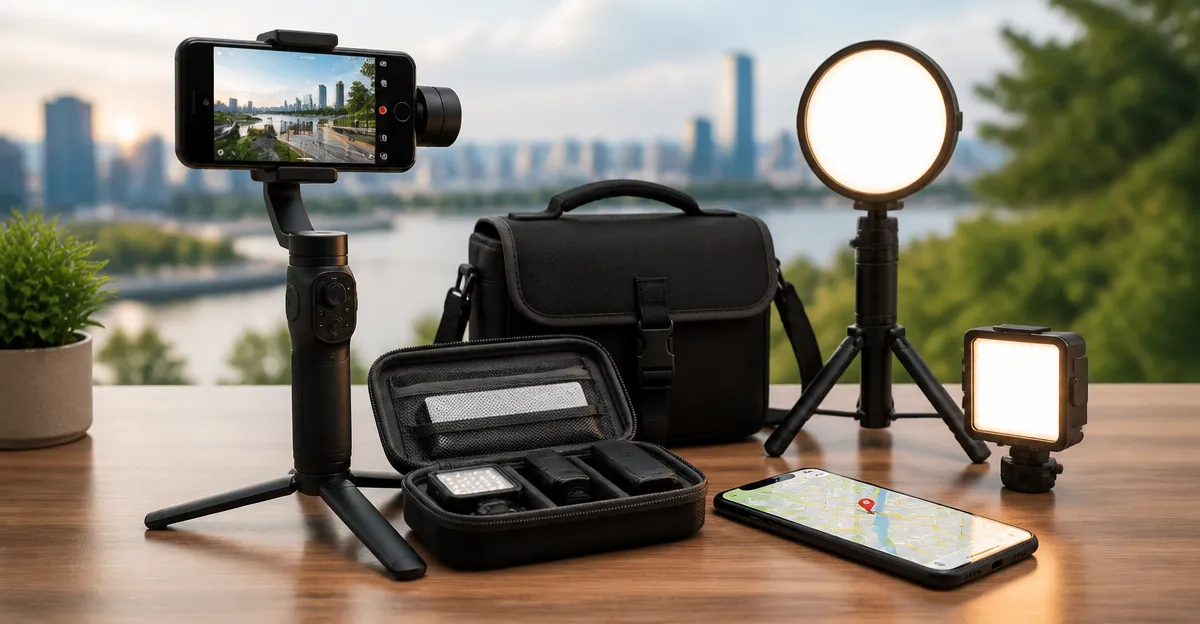
Smartphone gimbals are motorized three‑axis stabilizers that counteract hand shake, allowing smooth pans, tilts, and tracking shots. When paired with portable LED lighting, they enable creators to shoot in low‑light environments while maintaining cinematic quality. Rental models typically include the gimbal, a magnetic phone clamp, a built‑in tripod or extension rod, and optional accessories such as microphones or lighting modules.
Key terms that readers should understand include:
- ActiveTrack: An artificial‑intelligence algorithm that locks onto a subject and keeps it centered while the camera moves.
- Battery life: The total operating time a gimbal can provide before recharging, often expressed in hours.
- Payload capacity: The maximum weight the gimbal can safely support, important for larger phones with protective cases.
- Multifunctional Module: An add‑on that combines tracking, audio reception, and lighting into a single unit.
Understanding these concepts will help readers evaluate whether a rental kit meets the technical requirements of a particular project.
Finding Rental Providers
Most major cities host equipment‑rental businesses that specialize in audiovisual gear. The following strategies increase the likelihood of locating a reputable provider:
- Search online directories with keywords such as "smartphone gimbal rental" and include the city name.
- Consult local filmmaking meet‑ups or coworking spaces, as they often maintain shared equipment libraries.
- Check university media departments; many offer short‑term loans to community members for a nominal fee.
- Review customer‑review platforms (Google, Yelp) to gauge reliability and customer service quality.
When contacting a potential supplier, ask about the following items:
- Availability of the specific models listed in this guide.
- Rental periods, deposit requirements, and insurance options.
- Included accessories such as extension rods, tripods, or lighting panels.
- Technical support during the rental term.
Key Product Recommendations
The following products represent the most popular and versatile options for smartphone stabilization and lighting. Each recommendation includes real‑world specifications, user ratings, and a direct Amazon link for reference. Although the guide focuses on rentals, knowing the exact model assists in verifying that the rental inventory matches the creator’s expectations.
DJI Osmo Mobile 7
The DJI Osmo Mobile 7 is a lightweight, fold‑able gimbal that provides 3‑axis stabilization for both iPhone and Android devices. At a price of $59.00, it offers a rating of 4.4 stars from 4,395 reviews. Key features include ActiveTrack 7.0, a built‑in tripod, up to 10 hours of battery life, and a magnetic phone clamp that simplifies mounting. Its 300‑gram weight makes it ideal for on‑the‑go creators who need a compact solution.
DJI Osmo Mobile 8
The DJI Osmo Mobile 8 builds on the previous generation with native audio reception, integrated lighting, and a 360° pan rotation. Priced at $119.00 and rated 4.4 stars from 3,092 reviews, it delivers 10 hours of operation, an extension rod, and a robust 3‑axis stabilization system. This model is particularly suitable for creators who require simultaneous lighting and audio capture, such as vloggers and pet‑content producers.
DJI Osmo Mobile 7P
The DJI Osmo Mobile 7P incorporates a Multifunctional Module that adds native tracking, audio reception, and lighting to the base gimbal. It retails for $99.00, carries a 4.6‑star rating from 7,011 reviews, and offers up to 10 hours of battery life. The built‑in extension rod and tripod enable quick selfie and group‑shot setups, while dual‑lens tracking enhances subject fidelity.
Hohem iSteady X3 SE
The Hohem iSteady X3 SE is a budget‑friendly alternative that provides 3‑axis stabilization, a detachable magnetic remote, and 11 hours of battery life on a 2‑hour charge. Priced at $51.99 with a 4.2‑star rating from 2,644 reviews, it supports payloads up to 0.66 lb and includes a dedicated app with AI tracking and gesture control. Its lightweight, foldable design makes it attractive for travelers and beginners.
DJI Osmo Mobile 7P + Mic Mini
The DJI Osmo Mobile 7P + Mic Mini bundles the 7P gimbal with a DJI Mic Mini transmitter in Infinity Black. At $124.00, it enjoys a 4.6‑star rating from 13,999 reviews. This package delivers the full suite of tracking, lighting, and high‑quality wireless audio, making it ideal for professional vloggers who need a single, integrated solution.
Comparison / Selection Guide
Choosing the right rental kit depends on three primary factors: budget, feature set, and intended use case. The table below summarizes the essential specifications of each recommended model.
| Model | Price (USD) | Battery Life | Payload Capacity | Key Extras | Rating |
|---|---|---|---|---|---|
| DJI Osmo Mobile 7 | 59.00 | 10 hrs | ~0.5 lb | Foldable, built‑in tripod, magnetic clamp | 4.4 |
| DJI Osmo Mobile 8 | 119.00 | 10 hrs | ~0.55 lb | Native audio, integrated lighting, 360° pan | 4.4 |
| DJI Osmo Mobile 7P | 99.00 | 10 hrs | ~0.55 lb | Multifunctional Module (tracking, audio, light) | 4.6 |
| Hohem iSteady X3 SE | 51.99 | 11 hrs | 0.66 lb | Detachable remote, 32‑ft range, budget‑friendly | 4.2 |
| DJI Osmo Mobile 7P + Mic Mini | 124.00 | 10 hrs | ~0.55 lb | Wireless mic receiver, lighting, tracking module | 4.6 |
When the primary goal is cost efficiency and basic stabilization, the DJI Osmo Mobile 7 or Hohem iSteady X3 SE are appropriate choices. For creators who need simultaneous audio and lighting, the DJI Osmo Mobile 8 or the DJI Osmo Mobile 7P + Mic Mini provide the most comprehensive feature set. Users who desire a balance between price and advanced functionality should consider the standard DJI Osmo Mobile 7P.
Best Practices & Tips for Renting
- Inspect the equipment upon receipt. Verify that the gimbal powers on, the battery holds charge, and all accessories (remote, extension rod, lighting module) are present.
- Calibrate before each shoot. Most gimbals include an auto‑calibration routine; performing it reduces drift and improves tracking accuracy.
- Balance the phone correctly. Even a slight imbalance can strain the motors and reduce battery life. Follow the manufacturer’s instructions for magnetic clamp placement.
- Charge fully before long sessions. A fully charged battery ensures the advertised 10‑hour runtime; schedule a quick charge during breaks if possible.
- Secure insurance or a deposit. Rental agreements often require a refundable deposit; confirming coverage protects against accidental damage.
- Return on time to avoid penalties. Late fees can erode any savings achieved through the rental.
- Leverage bundle discounts. Some providers offer reduced rates when renting a gimbal together with LED panels or wireless microphones.
Frequently Asked Questions
- Do I need a separate phone case to use a gimbal? A slim, protective case is recommended to protect the device, but overly bulky cases can affect balance. The DJI models perform best with cases thinner than 3 mm.
- Can I rent a gimbal for a single day? Most rental shops offer daily rates, often with a minimum 24‑hour period. Weekly discounts are common for longer projects.
- Is the DJI Mimo app required? The Mimo app provides tracking, ShotGuides, and one‑tap editing. While optional, it greatly enhances the user experience and is supported on both iOS and Android.
- How do I charge my phone while filming? Both the DJI Osmo Mobile 7 and 7P models include USB‑C pass‑through charging, allowing the gimbal’s battery to power the phone simultaneously.
- What if the gimbal stops working during a shoot? Contact the rental provider immediately. Reputable shops offer on‑site troubleshooting or a replacement unit at no extra cost.
- Are there any hidden fees? Review the rental agreement for cleaning fees, late‑return penalties, or insurance surcharges. Transparent providers list all costs upfront.
- Can I use the gimbal outdoors in rain? Most consumer gimbals are not weather‑sealed. Use a protective cover or avoid heavy precipitation to prevent damage.
Conclusion
Renting a smartphone gimbal and lighting kit provides creators with professional‑grade tools without the capital outlay of purchasing. By understanding the core features, comparing the models outlined above, and following the best‑practice checklist, users can secure the equipment that best matches their budget and creative goals. The process of locating a reputable rental service, confirming availability, and safeguarding the gear ensures a smooth production experience and maximizes the return on investment.
Products Featured in This Guide
DJI Osmo Mobile 7
Price: $59.00 | Rating: 4.4/5 (4,395 reviews)
Featured because it offers a lightweight, foldable design with 10‑hour battery life, making it an excellent entry‑level rental option for creators on a budget.
DJI Osmo Mobile 8
Price: $119.00 | Rating: 4.4/5 (3,092 reviews)
Featured for its integrated audio and lighting modules, 360° pan rotation, and robust stabilization, which are valuable for advanced vloggers and pet‑content creators.
DJI Osmo Mobile 7P
Price: $99.00 | Rating: 4.6/5 (7,011 reviews)
Featured because the Multifunctional Module adds native tracking, audio reception, and lighting, providing a versatile all‑in‑one solution for creators who need more than basic stabilization.
Hohem iSteady X3 SE
Price: $51.99 | Rating: 4.2/5 (2,644 reviews)
Featured as a budget‑friendly alternative that still delivers 11‑hour battery life, detachable remote control, and solid 3‑axis stabilization for beginners.
DJI Osmo Mobile 7P + Mic Mini
Price: $124.00 | Rating: 4.6/5 (13,999 reviews)
Featured for bundling a wireless microphone with the 7P gimbal, delivering a complete audio‑visual solution that is ideal for professional vloggers and interview setups.