Introduction
In the era of remote communication and creator economies, a high‑quality visual presentation has become essential. This guide explains how to build a professional‑looking lighting setup for live streaming using a smartphone. Readers will learn fundamental lighting concepts, how to select appropriate hardware, step‑by‑step assembly instructions, and advanced tips that elevate video quality without excessive expense.
Background and Context
Lighting influences perception more than any other visual element. Proper illumination eliminates shadows, renders skin tones accurately, and separates the subject from the background. For smartphones, which have small sensors and limited dynamic range, external lighting compensates for these constraints. Understanding color temperature, CRI (color rendering index), and diffusion is critical before purchasing any accessory.
Choosing the Right Light Source
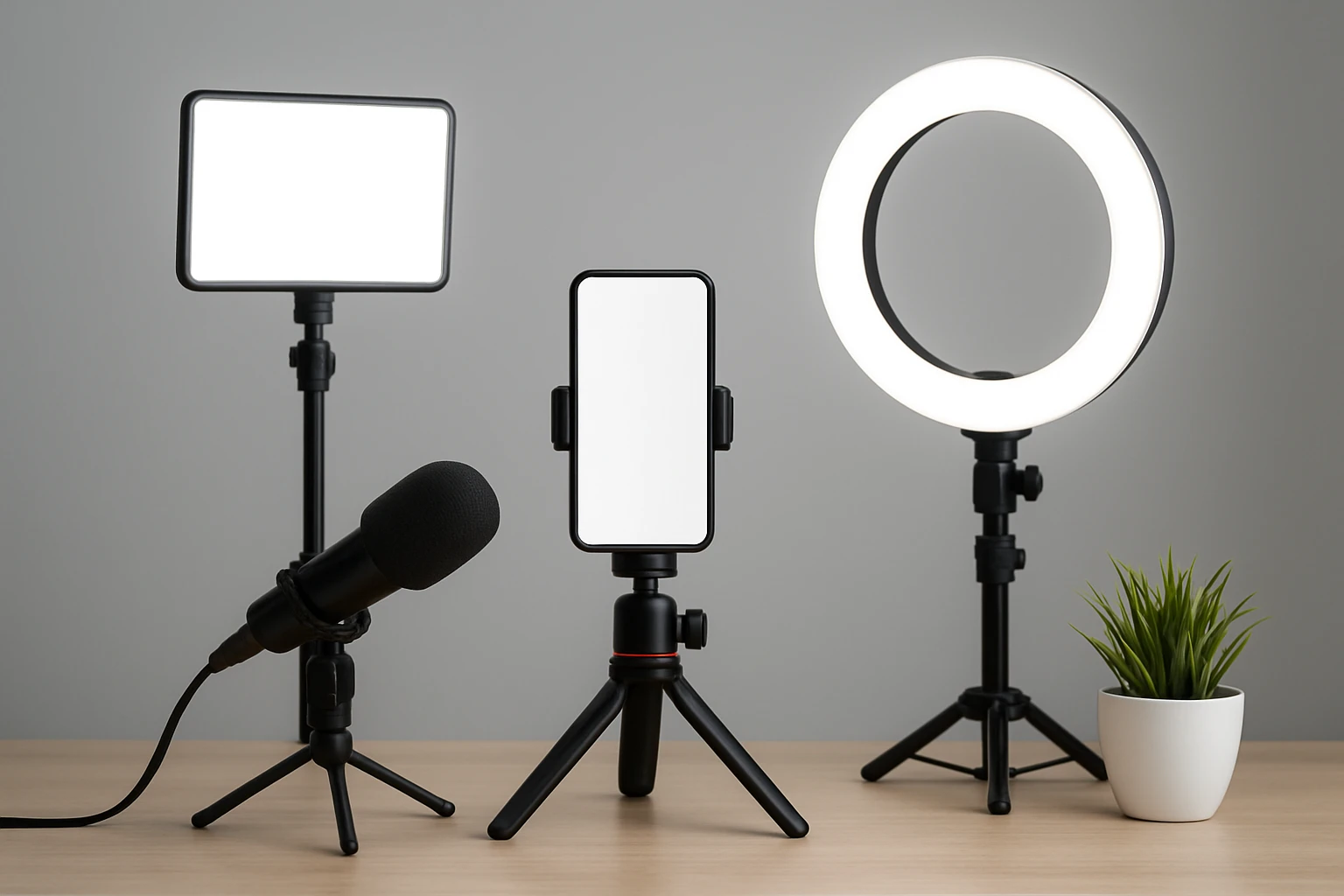
Three categories dominate the market for mobile creators: clip‑on LED panels, ring lights with integrated stands, and hybrid stabilizer rigs that combine lighting and motion control. Each category serves distinct scenarios, and the following products illustrate the strengths of each.
1. ALTSON Portable Selfie Light – a compact 60‑LED panel with 3 color modes, 10 brightness levels, and a rechargeable 2200 mAh battery. Its CRI of 97+ ensures true‑to‑life color reproduction, making it ideal for close‑up webcam or phone‑mounted use.
2. yAyusi Smartphone Video Stabilizer – a versatile rig that integrates a 200‑LED ring light, 8000 mAh power bank, and 3‑axis stabilization. The stepless dimming from 3000 K to 9000 K and 1‑100 % brightness range provides precise control for indoor and outdoor shoots.
3. Weilisi Ring Light with Tripod – a 10.5‑inch full‑screen ring light mounted on a 69‑inch aluminum tripod. It offers 10 brightness levels, three color temperatures, and a wireless remote, making it suitable for studio‑style streams and product photography.
Setting Up Your Lighting Rig
Follow these numbered steps to assemble a reliable lighting configuration for live streaming.
- Determine the shooting angle. Position the smartphone at eye level, slightly tilted upward to avoid unflattering shadows. Use a tripod or a stable surface to maintain consistency.
- Attach the light source. For a clip‑on panel, secure the ALTSON Portable Selfie Light to the phone’s camera module using its ¼‑inch thread adapter. For a ring light, mount the Weilisi Ring Light on its tripod and place the phone in the built‑in holder.
- Select the appropriate color temperature. In daylight‑filled rooms, choose a cooler 5600 K setting; for indoor ambience, a warmer 3000 K tone reduces harshness. The ALTSON offers White, Natural, and Warm modes, while the yAyusi stabilizer provides a continuous 3000‑9000 K range.
- Adjust brightness. Begin with 30‑40 % intensity and increase until the subject is evenly lit without overexposure. The ALTSON’s 10 brightness levels and the Weilisi’s 10‑step dimmer simplify fine‑tuning.
- Control spill and diffusion. If the light appears harsh, attach a thin diffusion sheet or use a softbox accessory. The ALTSON’s 160° rotatable panel allows precise direction to minimize spill onto the background.
- Test the video feed. Launch the streaming software, enable the camera preview, and evaluate the image on a calibrated monitor. Adjust exposure settings in the app if necessary, but rely primarily on external lighting for consistency.
- Secure power. For extended sessions, connect the ALTSON or yAyusi to an external power source via USB‑C. The yAyusi’s 8000 mAh battery can also charge the smartphone simultaneously, reducing cable clutter.
Comparison and Selection Guide
| Feature | ALTSON Portable Selfie Light | yAyusi Smartphone Video Stabilizer | Weilisi Ring Light with Tripod |
|---|---|---|---|
| LED Count | 60 | 200 | Ring panel (equivalent to 150) |
| CRI | 97+ | 95+ | Not specified (high) |
| Color Temperature | White / Natural / Warm (2500‑6500 K) | 3000‑9000 K (continuous) | 3000‑6000 K (three presets) |
| Brightness Levels | 10 | 1‑100 % (continuous) | 10 |
| Power Source | 2200 mAh rechargeable | 8000 mAh rechargeable + USB‑C output | AC adapter (included) |
| Portability | 95 g, pocket‑size | 1.2 lb, handheld | Bulky tripod, best for stationary setups |
| Mounting Options | Clip, ¼‑inch hot shoe, tripod adapter | Hot shoe, ¼‑inch screw, dual‑hole holder | Standard ¼‑inch screw, phone holder |
| Price (USD) | 13.89 | 33.98 | 38.99 |
| Amazon Rating | 4.6/5 (5,259 reviews) | 4.5/5 (192 reviews) | 4.5/5 (967 reviews) |
Creators who travel frequently may prefer the lightweight ALTSON, while those requiring both stabilization and lighting will find the yAyusi rig advantageous. For studio‑style streams with a larger light footprint, the Weilisi ring light delivers superior coverage.
Best Practices and Tips
- Maintain a consistent light‑to‑subject distance of 12‑18 inches to achieve even illumination without hotspots.
- Use a neutral background to prevent color casts from the LED source, especially when operating at high CRI values.
- Enable the smartphone’s manual exposure mode, if available, to lock exposure after lighting adjustments.
- Consider a secondary fill light positioned at a 45‑degree angle to soften shadows on the opposite side of the primary source.
- Regularly clean the LED surface and diffuser panels to avoid dust spots that appear on high‑resolution streams.
- When streaming for extended periods, monitor battery levels and have a USB power bank ready; the yAyusi’s built‑in 8000 mAh battery can also recharge the phone.
Frequently Asked Questions
- What is CRI and why does it matter?
- CRI (Color Rendering Index) measures how accurately a light source reproduces colors compared to natural sunlight. A CRI above 95, such as the ALTSON’s 97+, ensures skin tones appear natural and product colors remain true.
- Can I use the ALTSON light with a laptop webcam?
- Yes. The ALTSON includes a ¼‑inch thread adapter that fits standard laptop webcam mounts, and its clip can attach to the screen bezel for flexible positioning.
- Is the yAyusi stabilizer compatible with action cameras?
- Indeed. The rig provides a ¼‑inch screw and dual‑hole holder that accept most action cameras, allowing creators to capture smooth footage while benefiting from integrated lighting.
- How far should the Weilisi ring light be from the subject?
- Position the ring light approximately 12 inches away for flattering fill light. Adjust the tripod height to align the light’s central axis with the subject’s eyes.
- Do these lights require additional diffusion?
- While the ALTSON and Weilisi models include built‑in diffusion, adding a thin softbox or parchment paper can further reduce harshness, especially when operating at maximum brightness.
Conclusion
Effective smartphone lighting for live streaming combines an understanding of light quality, strategic placement, and appropriate hardware. By selecting a product that matches one’s workflow—whether the ultra‑portable ALTSON, the multifunctional yAyusi stabilizer, or the studio‑grade Weilisi ring light—creators can achieve professional‑looking video without excessive investment. Consistent practice of the outlined best practices will ensure that every broadcast appears polished, engaging, and visually compelling.
Products Featured in This Guide
ALTSON Portable Selfie Light
Price: $13.89 | Rating: 4.6/5 (5,259 reviews)
Featured because it offers a high CRI of 97+, three color modes, and a rechargeable battery in a pocket‑size design, making it ideal for on‑the‑go creators.
yAyusi Smartphone Video Stabilizer
Price: $33.98 | Rating: 4.5/5 (192 reviews)
Featured because it combines a 200‑LED ring light with an 8000 mAh battery and stabilization, providing a versatile all‑in‑one solution for dynamic content creation.
Weilisi Ring Light with Tripod
Price: $38.99 | Rating: 4.5/5 (967 reviews)
Featured because its 10.5‑inch full‑screen panel, adjustable tripod, and wireless remote deliver studio‑quality illumination for stationary streaming setups.