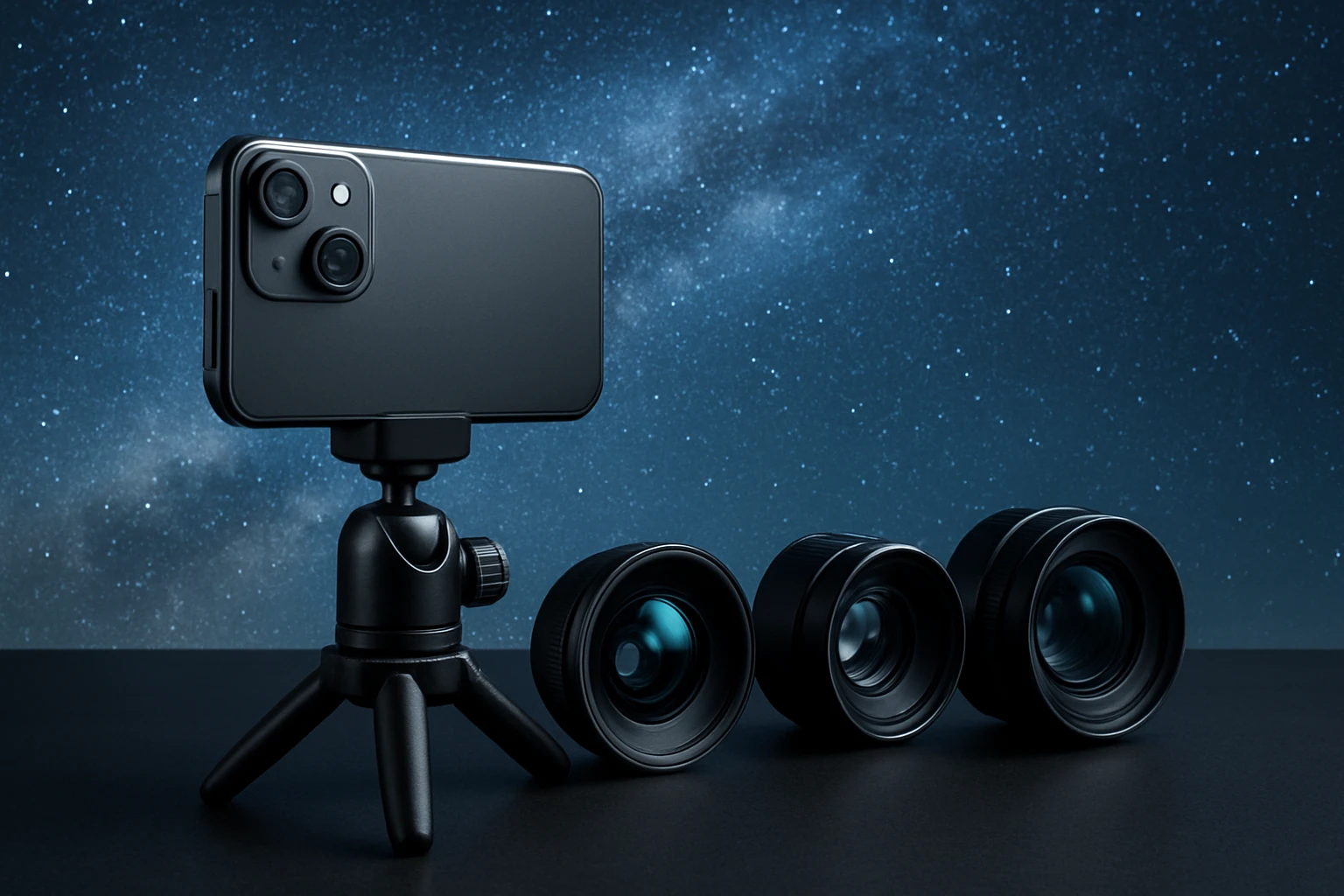
How to Choose the Best Lenses for Smartphone Astrophotography: Expert Tips for Wide‑Angle, Telephoto & Low‑Light Night Sky Shots
Introduction
Smartphone astrophotography has become increasingly popular because modern phones possess powerful sensors and computational photography capabilities. However, the native lenses often lack the field of view, focal length, or light‑gathering ability required for capturing expansive constellations, distant planets, or faint nebulae. This guide explains how one can select and use supplemental lenses to overcome those limitations, while also covering essential accessories, camera settings, and post‑processing techniques. By following the steps, the reader will be able to produce night‑sky images that rival those taken with entry‑level dedicated cameras.
The information presented is practical and actionable; it does not force a purchase, but it highlights tools that genuinely improve results. Readers will learn which lens types are optimal for wide‑angle Milky Way panoramas, which telephoto options bring out lunar detail, and how low‑light lenses increase exposure efficiency. The guide also integrates real‑world product data, enabling informed decisions based on price, ratings, and feature sets.
What You'll Need
- Smartphone with manual camera controls (iOS or Android)
- Sturdy tripod or stable surface
- Remote shutter release or timer function
- One or more clip‑on lens kits (recommended options are listed below)
- Optional: portable power bank for extended night sessions
Step 1: Determine the Desired Field of View
The first decision concerns whether the photographer wishes to capture a sweeping Milky Way arch, a detailed lunar close‑up, or a combination of both. Wide‑angle lenses (approximately 0.5× to 0.7×) allow one to include more of the horizon and reduce the number of individual frames needed for a panorama. Telephoto lenses (2× or higher) are essential for magnifying the Moon or bright planets without sacrificing image sharpness.
For a versatile solution that covers both scenarios, the Xenvo Pro Lens Kit provides a 0.45× wide‑angle lens and a 15× macro lens that can be repurposed for low‑light close‑ups. The kit is constructed from aircraft‑grade aluminum and premium optical glass, which minimizes ghosting and flare—a critical factor when shooting against a dark sky. Priced at $39.99 with a 4.2‑star rating from over twenty‑one thousand reviews, it offers a solid balance of build quality and affordability.
If budget constraints are tighter, the Godefa 14‑in‑1 Lens Kit includes a 0.63× wide‑angle lens, a 2× telephoto lens, and a 15× macro lens, among other creative options. Although the telephoto is modest, it can still bring the Moon into clearer view when combined with digital zoom. At $25.99 and a 4.1‑star rating, it represents an economical entry point for beginners.
For photographers who prefer a compact, high‑value package, the Mocalaca 11‑in‑1 Lens Kit supplies a 0.63× wide‑angle lens and a 15× macro lens, along with a fisheye and several specialty filters. Its price of $23.99 and 4‑star rating make it attractive for those who wish to experiment without a large investment.
Step 2: Secure the Smartphone on a Stable Platform
Long exposure astrophotography demands that the camera remain motionless for several seconds to minutes. A tripod with a smartphone mount eliminates hand‑shake and ensures consistent framing across multiple shots. One should attach the phone to the tripod first, then verify that the mount does not obstruct the lens clip of the chosen accessory.
When using the Xenvo Pro Kit, the included TruGrip lens clip offers superior gripping power, allowing the lens to stay firmly attached even when the phone is mounted on a tripod. The clip’s rubberised pads protect the device and prevent slippage. For the Godefa kit, the universal clip is also compatible with most tripod mounts, but users should test the fit before heading outdoors.
After the phone is mounted, engage the remote shutter release or set the timer to a 3‑second delay. This prevents the final tap from introducing vibration that could blur faint stars. A portable power bank can supply the necessary power for extended sessions, especially when using LED fill lights for foreground subjects.
Step 3: Attach the Appropriate Lens
With the smartphone secured, the next step is to affix the selected lens. The process varies slightly between kits, but the principle remains the same: align the lens with the phone’s primary camera, ensure the clip is fully engaged, and verify that the lens surface is clean.
The Xenvo Pro Kit includes a quick‑release lanyard and travel case, allowing the user to switch lenses rapidly. For wide‑angle Milky Way shots, snap the TruView 0.45× wide‑angle lens onto the clip, then tighten the lanyard to prevent accidental removal. The multi‑element coated glass reduces vignetting, which is essential for preserving uniform brightness across the night sky.
If a telephoto view of the Moon is desired, the Godefa kit’s 2× telephoto lens can be attached. Although the magnification is modest, it still reduces the apparent size of the Moon, enabling the capture of craters with greater detail. The kit’s selfie ring light is not required for night‑sky work, but it can be useful for illuminating foreground elements such as trees or silhouettes.
For users who wish to experiment with creative effects, the Mocalaca kit’s kaleidoscope and radial filter lenses can add artistic flair to star trails. However, these should be avoided for pure scientific documentation, as they introduce distortion.
Step 4: Optimize Camera Settings for Low‑Light Capture
Modern smartphones provide manual control over ISO, shutter speed, and focus. Set the ISO to a moderate value (800–1600) to increase sensor sensitivity without overwhelming noise. Choose a shutter speed between 10 and 20 seconds; longer exposures risk star trails unless that effect is intentional.
Activate the phone’s “night mode” or “long exposure” setting if available, as these algorithms combine multiple short exposures to enhance signal‑to‑noise ratio. Disable any automatic HDR or flash functions, as they can interfere with the natural darkness of the sky.
When using the Xenvo Pro Kit, the integrated GlowClip LED fill light can be turned to its lowest brightness setting to provide subtle illumination of foreground subjects without washing out the stars. This is particularly helpful when photographing a silhouette of a tree against the Milky Way.
Lock the focus on infinity or manually adjust it until distant stars appear sharp. Some phones allow focus peaking; enable this feature to verify that the stars are in crisp focus before commencing the exposure.
Step 5: Capture, Review, and Stack Images
Begin the capture sequence by pressing the remote shutter or timer. After each exposure, review the histogram to ensure that the sky is not overexposed and that the foreground retains detail. If the image appears too dark, increase the ISO slightly or extend the shutter duration by a few seconds.
For optimal results, capture a series of 5‑10 images with identical settings. Later, use stacking software such as DeepSkyStacker or Adobe Photoshop to combine the frames. Stacking reduces random noise and enhances faint star visibility, producing a cleaner final image.
If the chosen lens introduces slight vignetting, apply a lens correction filter in post‑processing. The high‑quality optical glass of the Xenvo and MIAO LAB kits typically requires minimal correction, whereas lower‑cost kits may benefit from more aggressive adjustments.
Tips & Pro Tips
- Choose a location with minimal light pollution; use light‑pollution maps to find dark‑sky reserves.
- Allow the phone’s sensor to warm up for a few minutes before shooting; this can reduce thermal noise.
- Use a full‑moon calendar to plan sessions; a bright Moon can wash out faint Milky Way details.
- When shooting with the Xenvo Pro Kit, keep the LED fill light off unless foreground illumination is required; the LED consumes battery and may introduce stray light.
- For telephoto lunar work, consider using a small adapter ring to increase the distance between the phone and lens, reducing vignetting caused by the phone’s built‑in camera module.
- Clean the lens surfaces with the included cleaning cloth before each session to avoid dust spots that appear as bright points in long exposures.
Troubleshooting
Problem: Stars appear as streaks even though a short exposure was selected.
Solution: Verify that the tripod is stable and that the lens clip is not slipping. Use a weight or sandbag on the tripod base to increase stability.
Problem: Images are overly dark despite high ISO and long shutter.
Solution: Ensure the lens is fully seated on the phone’s camera. Some kits, such as the Godefa 14‑in‑1, may require removal of a protective case to achieve proper alignment.
Problem: Vignetting is visible around the edges of the frame.
Solution: Use the wide‑angle lens from the Xenvo Pro Kit, which is specifically engineered to minimize dark corners. Apply a lens‑correction profile in post‑processing if needed.
Conclusion
Choosing the right smartphone lens for astrophotography hinges on understanding the desired field of view, light‑gathering capability, and compatibility with the device. By following the systematic steps outlined above—selecting a suitable lens, securing the phone on a stable platform, attaching the lens correctly, optimizing camera settings, and employing stacking techniques—one can capture compelling night‑sky images with a device that fits in a pocket.
The recommended kits, including the Xenvo Pro Lens Kit, Godefa 14‑in‑1 Lens Kit, Mocalaca 11‑in‑1 Lens Kit, MIAO LAB 5‑in‑1 Lens Kit, and KEYWING 3‑in‑1 Lens Kit, each provide distinct advantages that align with different budgets and creative goals. Whether one seeks premium optical performance or an economical starter set, the guide equips the reader with the knowledge to make an informed purchase and to achieve professional‑grade astrophotography results.
Products Mentioned in This Guide
Frequently Asked Questions
What type of lens is best for capturing wide‑angle Milky Way panoramas with a smartphone?
A wide‑angle lens with a short focal length (e.g., 12‑16 mm equivalent) and a large aperture (f/2.0 or lower) provides the field of view and light‑gathering needed for Milky Way shots.
How does a telephoto lens improve lunar photography on a phone?
A telephoto lens increases the effective focal length, allowing you to capture more detail on the Moon without losing image quality, especially when paired with a stable mount.
Can low‑light lenses reduce exposure time for night‑sky photos?
Yes, lenses with wider apertures (f/1.8‑f/2.2) let more light hit the sensor, enabling shorter exposures and reducing star trails.
Do I need a special adapter to attach lenses to my smartphone?
Most smartphone lenses use clip‑on or magnetic adapters designed for specific phone models; ensure the adapter matches your device’s dimensions for a secure fit.
What camera settings should I use with supplemental lenses for astrophotography?
Set the phone to manual mode, use a low ISO (800‑1600), a long exposure (10‑30 seconds), and focus to infinity to maximize clarity and reduce noise.