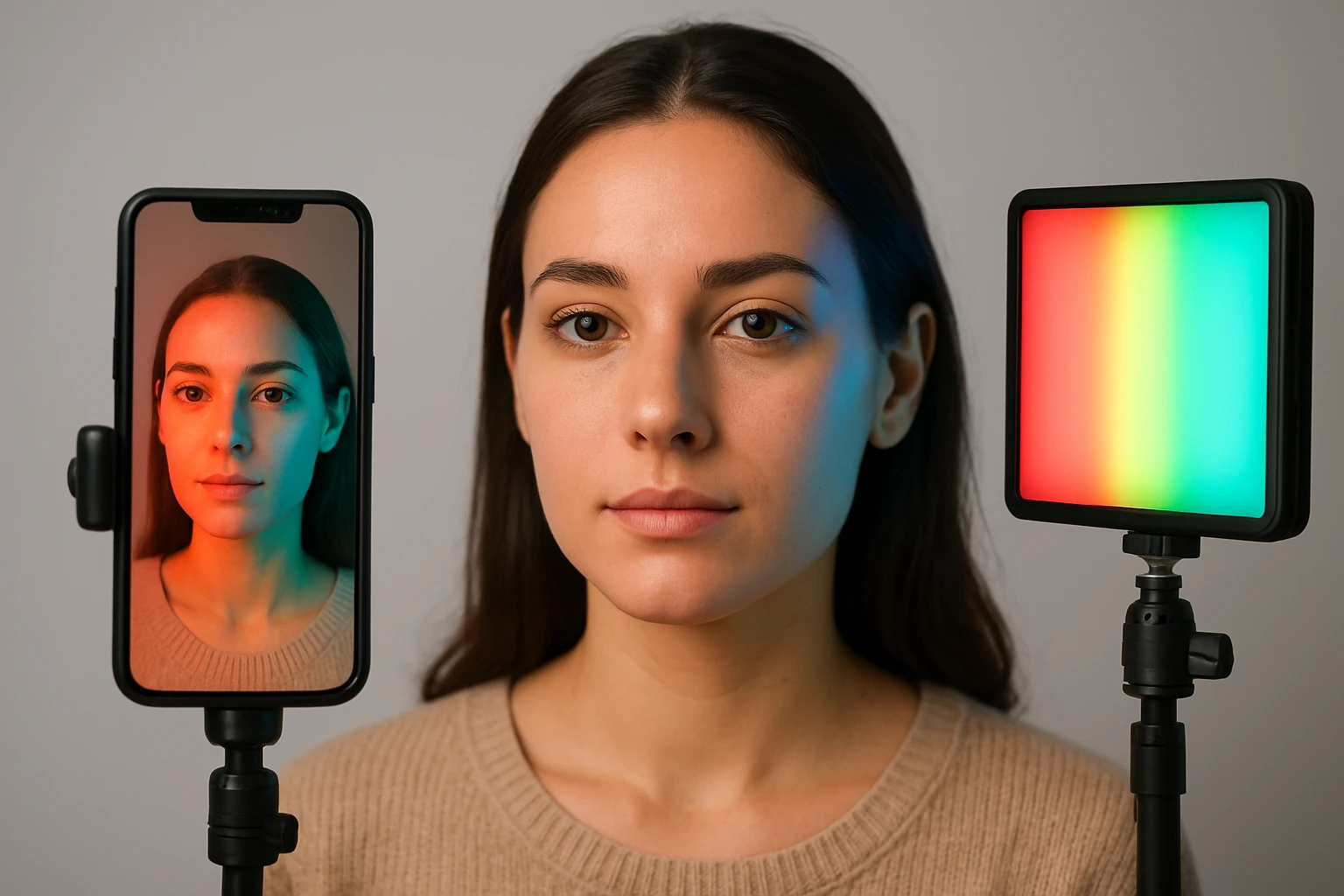
How to Achieve Natural Skin Tones with RGB Smartphone Lights: Practical Lighting, White Balance & Color Tips
Introduction
Creating video content that portrays authentic skin tones requires deliberate control over lighting, color temperature, and camera settings. This guide explains how to use RGB smartphone lights to achieve natural results. Readers will learn practical setup techniques, white‑balance adjustments, and color‑mixing tips that improve visual fidelity. Mastering these methods enables creators to produce professional‑grade footage without extensive studio equipment.
What You'll Need
To follow the procedures, one will need a smartphone capable of manual exposure, a tripod or magnetic mount, an RGB ring light, and basic editing software. The two recommended lights are the TELESIN 4‑in‑1 Magnetic RGB Selfie Light and the UBeesize 12'' RGB Ring Light. A USB‑C power source or portable charger ensures continuous operation. Optional accessories include a diffuser, a white‑balance card, and a remote shutter.
Step 1: Prepare the Shooting Environment
Begin by selecting a location with minimal uncontrolled ambient light, such as a room with neutral walls and limited windows. Close curtains or use blackout shades to prevent color casts from external sources that could distort skin tones. Position the subject a few feet away from reflective surfaces to reduce unwanted highlights. Ensure that the background is either plain or complementary, allowing the subject’s complexion to remain the focal point.
Next, clean any glass or reflective surfaces that may appear in the frame, as fingerprints can introduce unwanted color shifts. Arrange the workspace so that power outlets are within reach of the lighting equipment. Verify that the smartphone battery is fully charged or connected to a reliable power source. This preparation minimizes interruptions during the shooting session.
Step 2: Set Up the RGB Light
Attach the TELESIN 4‑in‑1 Magnetic RGB Selfie Light to the back of a MagSafe‑compatible iPhone using its strong built‑in magnet. The magnetic ring accessory allows the light to be used with other smartphones by providing a secure attachment point. This device weighs only 80 g, making it portable for on‑the‑go shooting, and its USB‑C rechargeable battery permits up to several hours of continuous use. The product is priced at $26.99 and holds a rating of 4.4 out of 5 stars based on 30 reviews, indicating reliable performance for casual creators.
For larger productions or when a more expansive light source is required, mount the UBeesize 12'' RGB Ring Light on its 62‑inch extendable tripod. The tripod can be adjusted to a height that matches the subject's eye level, providing even illumination across the face. This ring light incorporates 240 LEDs that deliver 10 W of output, approximately 25 % more powerful than standard 10‑inch models, and it includes a Bluetooth remote for hands‑free operation. Priced at $35.23 with a rating of 4.2 out of 5 stars from 387 reviews, it offers a versatile solution for studio‑style setups.
Step 3: Adjust Color Temperature and White Balance
Set the light's color temperature using the 2500 K–7000 K range available on the TELESIN device. For natural skin tones, aim for a neutral temperature between 5000 K and 5600 K, which replicates daylight conditions. If creative mood lighting is desired, experiment with the RGB mode, but ensure that the primary white balance remains within the neutral range to avoid unwanted color casts on the skin.
On the smartphone, switch to manual white‑balance mode and select a preset that matches the chosen temperature, or use a gray card to set a custom balance. Capture a test frame and examine the histogram to confirm that the mid‑tones, where skin resides, are properly exposed without clipping. Adjust the light's brightness using the 10 %–100 % control to fine‑tune the exposure while maintaining the desired temperature.
Step 4: Position the Light for Flattering Skin
Place the light at a 45‑degree angle relative to the subject's face, slightly above eye level, to create soft shadows that accentuate facial contours. The diffuser built into both recommended lights helps to spread the illumination evenly, reducing harsh highlights that can exaggerate blemishes. If using the TELESIN magnetic light, its flip‑and‑rotate mechanism allows precise angle adjustments without disturbing the phone.
When employing the UBeesize ring light, ensure that the ring is centered on the camera lens to achieve uniform lighting across the entire face. The 360° rotatable head permits quick repositioning for side‑lighting or top‑lighting variations. Maintain a distance of approximately 12‑18 inches between the light and the subject to preserve a natural fall‑off and avoid over‑exposure.
Step 5: Capture Test Shots and Refine Settings
Record a short test clip or capture several photos, then review the footage on a calibrated monitor. Observe the skin tones for any residual color tint, such as excessive warmth or coolness, and adjust the light's RGB settings accordingly. Use the smartphone's exposure compensation to fine‑tune brightness without altering the white balance.
Iterate by making small adjustments to the light's intensity, angle, or color temperature, and compare each result to a reference image of natural skin. Once the desired look is achieved, lock the settings on both the light and the phone to ensure consistency across the entire shoot. Document the final configuration for future reference, especially when working in similar environments.
Tips & Pro Tips
- Use a white‑balance card at the beginning of each session to provide a reliable reference point for color correction.
- When shooting video, enable the smartphone's frame‑rate lock to avoid flicker caused by mismatched light pulsing.
- Combine the magnetic light with a small softbox diffuser for even softer illumination on close‑up shots.
- Utilize the RGB dynamic effects sparingly; they are most effective as background accents rather than direct facial lighting.
- Store the lights in a protective case when traveling to prevent damage to the magnetic components.
Troubleshooting
- Issue: Skin appears overly cool despite neutral temperature setting. Solution: Verify that the smartphone's white‑balance preset matches the light's temperature, and recalibrate using a gray card.
- Issue: Light flickers during video capture. Solution: Ensure the light is powered via a stable USB‑C source rather than a low‑output power bank, and disable any automatic brightness features.
- Issue: Magnetic attachment fails on non‑metallic phones. Solution: Use the included magnetic ring accessory to create a compatible surface for the light.
- Issue: Ring light stands wobble at full height. Solution: Extend the tripod to a height below its maximum rating and secure the leg locks firmly.
Conclusion
Achieving natural skin tones with RGB smartphone lights is attainable by controlling ambient conditions, selecting appropriate lighting tools, and mastering white‑balance techniques. The steps outlined above provide a systematic approach that blends technical precision with creative flexibility. By applying the recommended adjustments and employing the TELESIN and UBeesize lights where suitable, creators can produce high‑quality content that faithfully represents skin color. Continued practice and documentation of settings will further enhance consistency across future projects.
Products Mentioned in This Guide
Frequently Asked Questions
What lighting setup is best for natural skin tones with an RGB smartphone light?
Place the RGB ring light at a 45-degree angle to the subject, use a soft diffusion filter, and keep the light distance around 2‑3 feet for even illumination.
How do I adjust white balance when using RGB lights on a smartphone?
Set the camera’s white balance to a custom Kelvin value (typically 5,500‑6,500 K) and fine‑tune by matching the RGB light’s color temperature to the ambient light.
Which RGB light models are recommended for accurate skin tone reproduction?
The TELESIN 4‑in‑1 Magnetic RGB Selfie Light and the UBeesize 12" RGB Ring Light are popular choices due to adjustable color temperature and consistent output.
Can I mix colors on an RGB light to achieve a natural skin tone?
Yes, start with a neutral white setting, then subtly add a touch of warm amber (≈10‑15%) to counteract any blue cast and maintain realistic skin hues.
Do I need additional accessories to maintain consistent lighting?
A tripod or magnetic mount for stability and a USB‑C power source or portable charger ensure the light stays steady and powered throughout filming.