Introduction
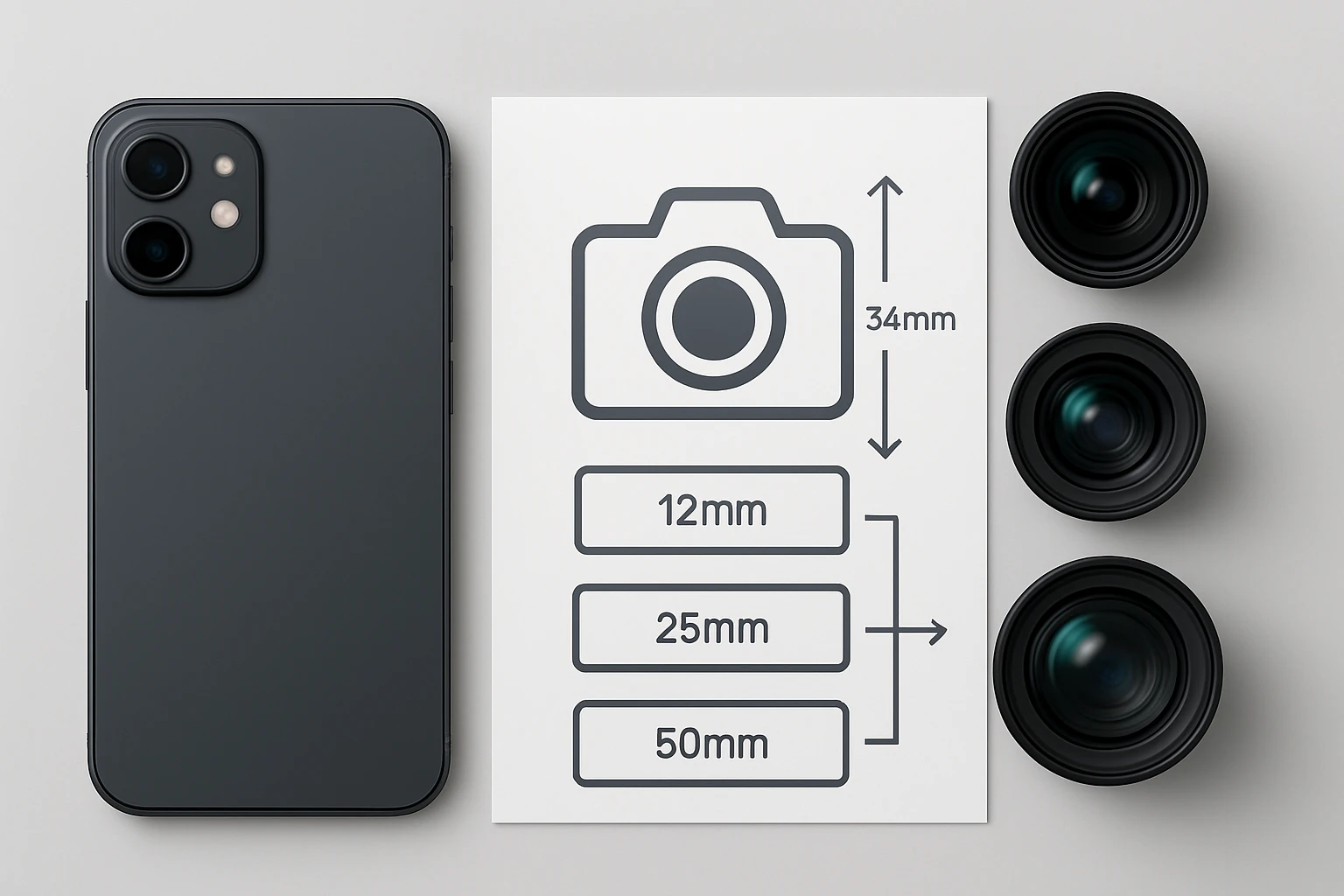
Mobile photography has become a cornerstone of visual communication, yet many creators struggle to translate the specifications of their phone lenses into the familiar language of full‑frame (35mm) focal lengths. This guide explains the underlying mathematics, provides a quick conversion formula, and demonstrates how to apply the results in real‑world shooting scenarios. By the end of the article, readers will be able to compare smartphone optics with traditional camera lenses, make informed decisions about composition, and select accessories that extend the creative possibilities of their devices.
The value of understanding full‑frame equivalents lies in the ability to predict field of view, depth of field, and perspective when moving between platforms. Whether one is a travel blogger, a macro enthusiast, or a filmmaker, the conversion empowers the photographer to choose the right lens attachment for a desired look. The following sections break the process down into manageable steps and integrate practical product recommendations.
What You Will Need
- A smartphone with a built‑in camera (iOS or Android).
- Access to the device specifications, particularly sensor size and native focal length.
- A calculator or spreadsheet for quick arithmetic.
- Optional lens accessories to achieve the desired field of view, such as the Xenvo Pro Lens Kit, the Keywing 3‑in‑1 Phone Lens Kit, the Ailun 3‑in‑1 Clip‑on Phone Lens Kit, or the K&F Magnetic Phone Lens Adapter.
- A reliable internet connection to verify specifications and download any necessary firmware updates.
Step‑by‑Step Instructions
Step 1: Identify the Smartphone’s Native Focal Length
The first task is to locate the manufacturer‑provided focal length for the primary camera sensor. This information is often listed in the technical specifications on the product page or in the device’s user manual. For example, many recent flag‑ship phones list a focal length of approximately 26 mm (35mm equivalent) for the main sensor, which corresponds to a true focal length of roughly 4.2 mm due to the small sensor size.
If the native focal length is not explicitly stated, one can calculate it using the sensor’s diagonal dimension and the field of view (FOV) angle. The formula is:
focal length = (sensor diagonal / 2) / tan(FOV / 2)
Most smartphone manufacturers publish the diagonal measurement in millimetres; common values range from 5.7 mm to 7.0 mm. Record this value for use in the next step.
Step 2: Determine the Sensor Size and Compute the Crop Factor
The crop factor is the ratio between the diagonal of a full‑frame sensor (43.3 mm) and the diagonal of the phone’s sensor. The calculation is straightforward:
crop factor = 43.3 mm / sensor diagonal
Assume a sensor diagonal of 6.3 mm; the resulting crop factor would be 6.87. This factor is essential because it scales the smartphone’s focal length to its full‑frame equivalent.
For users who wish to experiment with wider or tighter perspectives, attaching an external lens changes the effective focal length. The Xenvo Pro Lens Kit provides a 0.45× wide‑angle lens that reduces the effective focal length by 55 %, allowing the same sensor to capture a broader scene. The kit’s aircraft‑grade aluminum construction and multi‑element coated glass ensure that image quality remains high even after the optical modification.
Step 3: Apply the Full‑Frame Conversion Formula
With the crop factor in hand, the full‑frame equivalent focal length is obtained by multiplying the smartphone’s native focal length by the crop factor:
full‑frame equivalent = native focal length × crop factor
Continuing the previous example, a native focal length of 4.2 mm multiplied by a crop factor of 6.87 yields a 28.8 mm full‑frame equivalent, which is close to a classic 28 mm wide‑angle lens on a DSLR.
If an external lens is attached, adjust the native focal length first. The Keywing 3‑in‑1 Phone Lens Kit includes a 120° wide‑angle lens that effectively multiplies the field of view by 1.2×. In practice, this means dividing the native focal length by 1.2 before applying the crop factor, resulting in an even wider full‑frame equivalent.
Step 4: Verify the Result with Real‑World Comparisons
To ensure the conversion is accurate, compare the calculated full‑frame equivalent with known lenses. For instance, a 28 mm full‑frame lens is renowned for its natural perspective in street photography. If the smartphone‑plus‑wide‑angle combination yields a similar equivalent, the photographer can anticipate comparable framing and distortion characteristics.
Testing can be performed by photographing a familiar subject—such as a building façade—using both the smartphone setup and a DSLR with a known 28 mm lens. Overlay the images in post‑processing software to assess alignment of key points. Minor differences may arise from sensor aspect ratios, but the overall field of view should match closely.
For macro work, the Xenvo Pro Lens Kit offers a 15× macro lens that reduces the effective focal length dramatically, allowing the same sensor to capture extreme close‑ups. The macro lens changes the conversion equation because the subject distance becomes a dominant factor; however, the same crop factor still applies to the optical magnification.
Step 5: Use Filters to Refine the Image When Needed
Even after achieving the desired focal length, lighting conditions may require additional control. The K&F Magnetic Phone Lens Adapter enables the attachment of 67 mm threaded filters such as polarizers, neutral density (ND) filters, or color‑grading gels. By adding a circular polarizer, one can reduce reflections on water or glass while preserving the calculated field of view.
Because the adapter is magnetic and silicone‑coated, it does not interfere with the phone’s touchscreen and leaves no fingerprints. Users should select filters that match the shooting scenario; for example, an ND8 filter is useful for long exposures during daylight, whereas a CPL filter enhances sky saturation in landscape photography.
When combining filters with external lenses, ensure that the filter ring does not vignette the image. The adapter’s design includes an anti‑light‑leak seal that minimizes this risk, but testing with the intended lens combination is recommended before critical shoots.
Step 6: Document and Store Your Settings for Future Shoots
Professional workflows benefit from consistent documentation. Record the smartphone model, sensor diagonal, native focal length, crop factor, any attached lens, and the final full‑frame equivalent in a spreadsheet. This reference allows rapid setup for recurring shooting styles, such as travel vlogging or product photography.
When using the Ailun 3‑in‑1 Clip‑on Phone Lens Kit, note the specific lens configuration (fish‑eye, wide, macro) and the distance from the subject, as the macro lens requires a 1‑2 cm gap for optimal sharpness. The kit’s lightweight aluminum construction makes it easy to carry, and the included velvet pouch protects the lenses during transport.
Storing the documentation alongside the physical accessories in the pouch ensures that the photographer can recreate the exact setup without guesswork, thereby improving efficiency on location.
Tips & Pro Tips
- Always clean the lens surfaces with a microfiber cloth before attaching them to avoid dust‑induced flare.
- When using macro lenses, maintain a steady hand or employ a small tripod to prevent motion blur at close distances.
- For the widest field of view, combine the Xenvo wide‑angle lens with the K&F magnetic adapter and a slim‑profile polarizer to control reflections without adding bulk.
- If the phone case interferes with the magnetic adapter, consider a thinner case or a MagSafe‑compatible case to preserve the seal.
- Record the ambient light temperature and adjust white balance manually to ensure colour consistency across different lens setups.
Troubleshooting
Problem: The attached lens causes noticeable vignetting.
Solution: Verify that the lens is fully seated and that no part of the phone’s camera housing blocks the peripheral light. If vignetting persists, try a different lens with a larger image circle, such as the Xenvo wide‑angle lens, which is designed to minimise corner darkening.
Problem: The magnetic adapter does not stay securely attached.
Solution: Ensure the phone’s surface is clean and free of oil. The adapter’s silicone pads require direct contact; a thick case may reduce magnetic strength. Use a MagSafe‑compatible case or remove the case temporarily for critical shoots.
Problem: Macro images appear blurry despite proper focus.
Solution: Increase the distance between the lens and the subject to 1‑2 cm, as recommended by the Ailun kit. Additionally, use the phone’s manual focus mode if available, and consider adding a small LED light to improve illumination.
Conclusion
Mapping smartphone lens focal lengths to full‑frame equivalents demystifies the relationship between mobile and traditional photography equipment. By calculating the crop factor, applying the conversion formula, and verifying results with real‑world tests, creators can make confident compositional choices. The recommended lens kits and magnetic adapter provide practical tools to expand the creative toolkit, whether the goal is ultra‑wide landscapes, detailed macro work, or controlled lighting with filters. Armed with this knowledge, photographers can harness the full potential of their smartphones and produce images that stand shoulder‑to‑shoulder with those captured on dedicated cameras.
Products Mentioned in This Guide
Frequently Asked Questions
How do I convert a smartphone lens focal length to a 35mm full‑frame equivalent?
Multiply the smartphone’s focal length by the crop factor, which is the ratio of the full‑frame sensor diagonal (43.3 mm) to the phone’s sensor diagonal.
Why is sensor size important when calculating full‑frame equivalents for mobile cameras?
Sensor size determines the crop factor, affecting the field of view and how a given focal length translates to a full‑frame perspective.
Can I use the conversion formula to predict depth of field on my phone?
Yes, the equivalent focal length helps estimate depth of field, but the phone’s small aperture and sensor also influence the final effect.
What accessories help achieve specific full‑frame looks on a smartphone?
Clip‑on lenses, macro adapters, and telephoto attachments let you mimic the field of view of desired full‑frame lenses.
Does the conversion differ between iOS and Android devices?
The formula is the same; only the actual sensor dimensions vary between models, so each device’s crop factor must be measured individually.